Online worldwide · 75 min · $225

Private online color grading mentorship, on your footage.

Private online color grading mentorship in DaVinci Resolve. We open your footage, read the scopes together, rebuild the node tree if it needs it, and get the shots matching — live, on the material you're actually delivering.

Or email vfxtraining@gmail.com

  • 25+ years working in post-production — color, editing, Fusion, 3D
  • Former Apple Senior Systems Engineer · Apple Certified Trainer
  • Taught at NYU — 3D, VFX and compositing
  • Instructor & speaker — NAB, SIGGRAPH, Macworld appearances
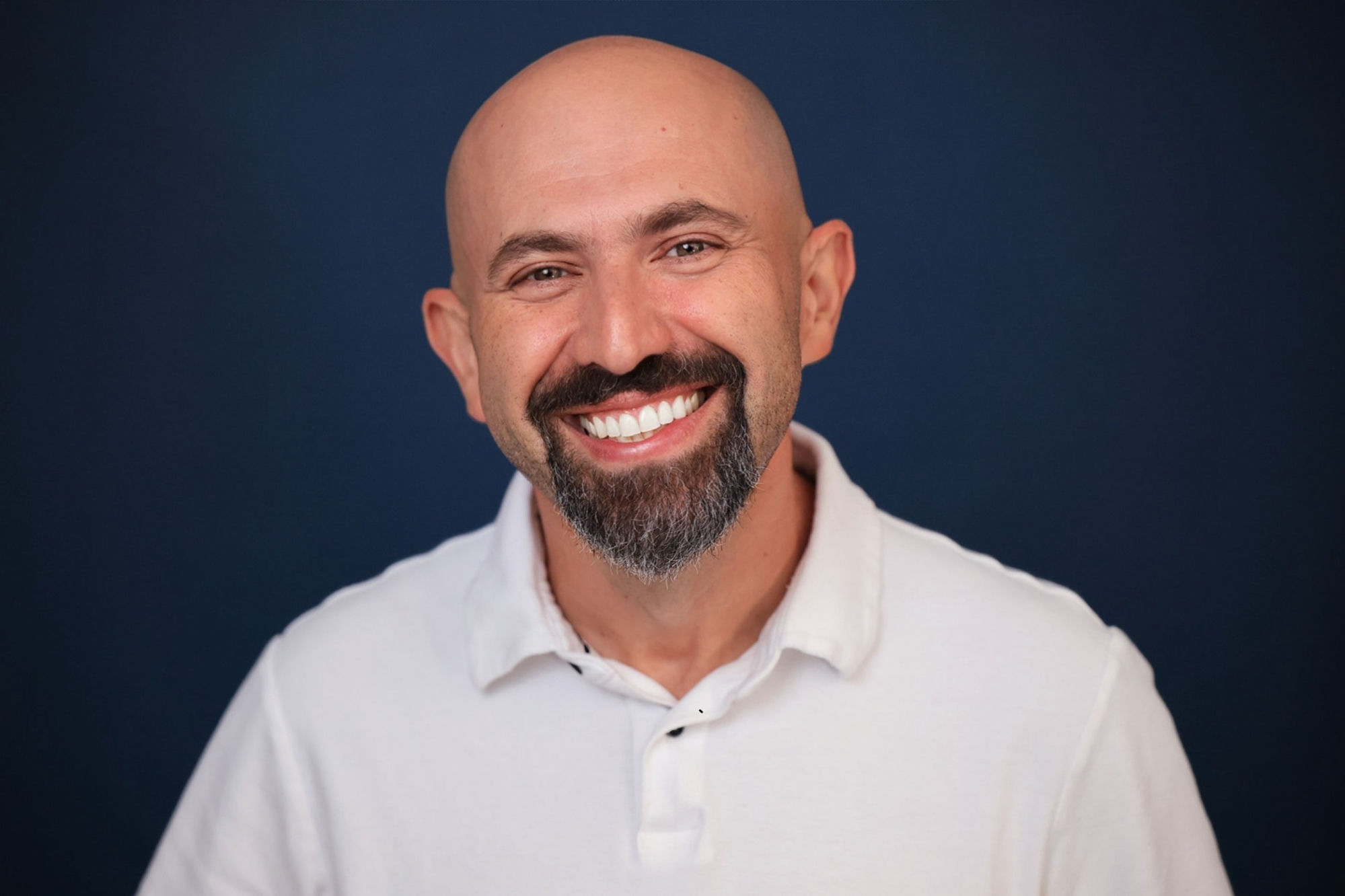
Yan Shvalb, colorist and color grading mentor

What we look at.

Bring a scene that isn't working. These are the usual suspects.

01

Node structure

A tree you can still read tomorrow: order of operations, parallel and layer nodes, grouping, pre- and post-clip grades, and where to put the thing you keep re-doing.

02

Scopes and exposure

Reading waveform, parade and vectorscope honestly instead of grading by feel on an uncalibrated screen — and knowing what your display is not telling you.

03

Shot matching

Getting a scene to sit together across cameras, lenses and time of day: balancing, matching contrast and hue before look, and keeping continuity across the cut.

04

Color management

Choosing between RCM, ACES and manual transforms, handling log footage and LUTs in the right order, and stopping the pipeline from fighting your grade.

05

Skin tones

Qualifiers and masks that hold, tracking, controlled saturation, and keeping faces believable while the rest of the frame goes stylized.

06

Look and delivery

Building a look that survives compression, checking it on the target platform, and exporting what the client actually asked for.

For people already
grading real work.

This is not a beginner course. It's for working editors, cinematographers, filmmakers and self-taught colorists who are shipping projects and want a second set of trained eyes on the part that keeps going wrong.

Come with
  • A scene that won't match
  • A grade a client pushed back on
  • A node tree that has become unreadable
  • Log or raw footage you're unsure how to handle
  • A reel where the color is holding you back
How it runs
  • Video call with screen sharing, worldwide
  • Send footage or the project in advance
  • 75 minutes on your agenda
  • Written notes and next steps afterwards

What you leave with

Work on the real thing

Your footage and your project, graded live in the session.

Clear answers

Direct feedback on what's actually wrong with the image, not general theory.

Notes

Written notes covering what we changed and why.

Concrete next steps

An ordered list of what to fix next on the same project.

No payment required to reach out

Send the shot
that's bothering you.

Describe the grading problem and Yan will reply personally.

Or email vfxtraining@gmail.com directly.

What happens to your message: Privacy

Questions.

Do I need a control surface or a calibrated display?

No. Bring whatever you actually work on. Part of the session can be understanding what your current setup can and can't tell you about the image.

Can we grade my own footage?

Yes — that's the point. Send the project or a few clips ahead of time and the session runs on your material.

Is this only DaVinci Resolve?

Resolve is the main tool. The underlying ideas — scopes, exposure, contrast, color management, matching — carry across applications.

What does it cost?

$225 for 75 minutes, one-on-one, online. Message first if you want to check the fit; there's no payment required to ask.

Related: DaVinci Resolve training in Miami · private Fusion VFX training · about Yan Shvalb.

Already know what you need?

$225

per 75-minute session · online worldwide

Book & Pay  →

Secure payment via Stripe · Not sure yet? Ask Yan first.

Ask Yan about my project