Miami & South Florida · Online worldwide · 75 min · $225

DaVinci Resolve training, on your own project.

Private one-on-one Resolve coaching for working editors, colorists, and filmmakers. We open your timeline, find what's actually wrong, and fix it together — edit page, color, Fusion, media management, delivery.

Or email vfxtraining@gmail.com

  • 25+ years working in post-production — editing, color, Fusion, 3D
  • Former Apple Senior Systems Engineer · Apple Certified Trainer
  • Taught at NYU — 3D, VFX and compositing
  • Instructor & speaker — NAB, SIGGRAPH, Macworld appearances
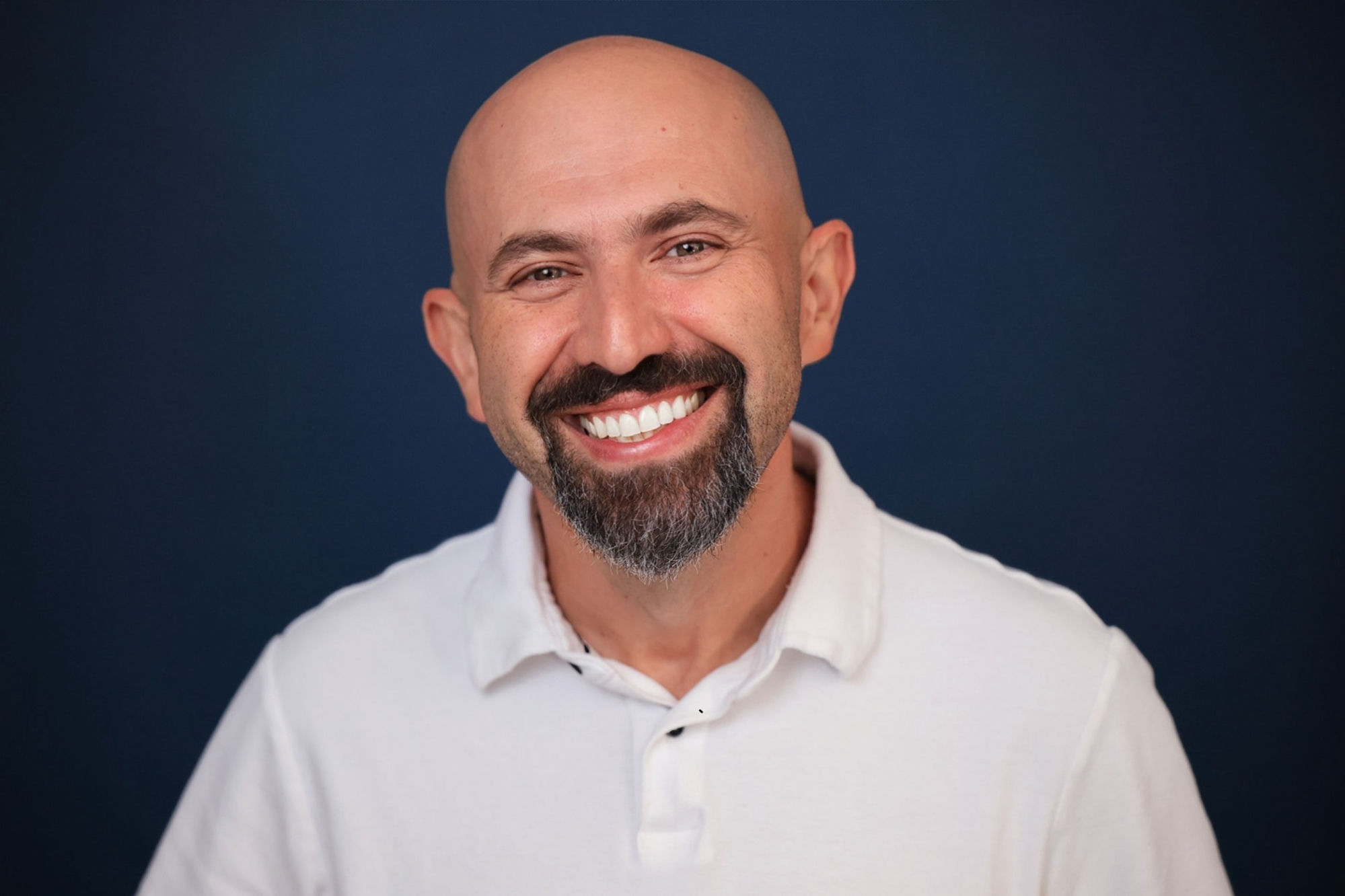
Yan Shvalb, DaVinci Resolve instructor in South Florida

What we work on.

You bring the project. These are the areas people usually come in with.

Edit

Timeline and edit page

Project and timeline settings, proxies and optimized media, relinking, multicam, timeline organization, and the round-trip habits that stop breaking your conform.

Color

Color grading

Node structure that stays readable, primaries before secondaries, scopes, shot matching across a scene, skin tones, and color management that doesn't fight you.

Fusion

Fusion inside Resolve

Tracking, keying, cleanup, masks, and getting a comp back into the timeline without render or performance surprises.

Deliver

Workflow & delivery

Media management, cache and performance troubleshooting, export settings, and delivering what a client or platform actually asked for.

Bring the thing
that's broken.

Most people arrive with one specific problem: a grade that won't match, a render that looks wrong, a project that's slow, a reel that isn't landing work. That's the best possible starting point — we work on it live rather than talking about it in the abstract.

Who books this
  • Editors moving to Resolve from Premiere or Avid
  • Self-taught colorists who want their node graph checked
  • Filmmakers finishing their own work
  • Freelancers in Miami and South Florida who want to sit in the same room
How the session runs
  • Video call with screen sharing, or in person in South Florida
  • You send the project or a link ahead of time
  • 75 minutes, one topic or several — you set the agenda
  • Written notes and next steps afterwards

What you leave with

Work on the real thing

Your project, your footage, your settings — not a demo timeline.

Clear answers

Direct responses to what you're stuck on, including when the honest answer is to change the approach.

Notes

Written notes so the session doesn't evaporate the next morning.

Concrete next steps

An ordered list of what to do next on the work in front of you.

No payment required to reach out

Tell Yan what
you're stuck on.

Short note, personal reply. If a session doesn't make sense for your problem, he'll say so.

Or email vfxtraining@gmail.com directly.

What happens to your message: Privacy

Questions.

Do I need to be in Miami?

No. Sessions run online worldwide over a video call with screen sharing. In-person sessions are possible in South Florida — say so in your message and Yan will confirm by reply.

Which version of Resolve do you teach?

Whatever version you're working in, Studio or free. The session runs inside your own project, so it matches your actual setup rather than a course build.

I'm self-taught. Is this too advanced?

The session is built around what you bring. If you're past beginner tutorials and have real work in progress, there's plenty to dig into.

What does it cost?

$225 for 75 minutes, one-on-one. Message first if you'd rather check that it's the right fit — there's no payment required to ask.

More specialized: online color grading mentorship · private Fusion VFX training · about Yan Shvalb.

Already know what you need?

$225

per 75-minute session · online worldwide or in person in South Florida

Book & Pay  →

Secure payment via Stripe · Not sure yet? Ask Yan first.

Ask Yan about my project