Online worldwide · 75 min · $225

Private Fusion VFX training, on your comp.

Private one-on-one Fusion VFX training for editors and motion artists stuck on a real shot. Tracking that slips, a key that won't hold, cleanup that shows, a node graph nobody can follow — we open it and fix it together.

Or email vfxtraining@gmail.com

  • 25+ years working in post-production — VFX, compositing, color, 3D
  • Former Apple Senior Systems Engineer · Apple Certified Trainer
  • Taught at NYU — 3D, VFX and compositing
  • Instructor & speaker — NAB, SIGGRAPH, Macworld appearances
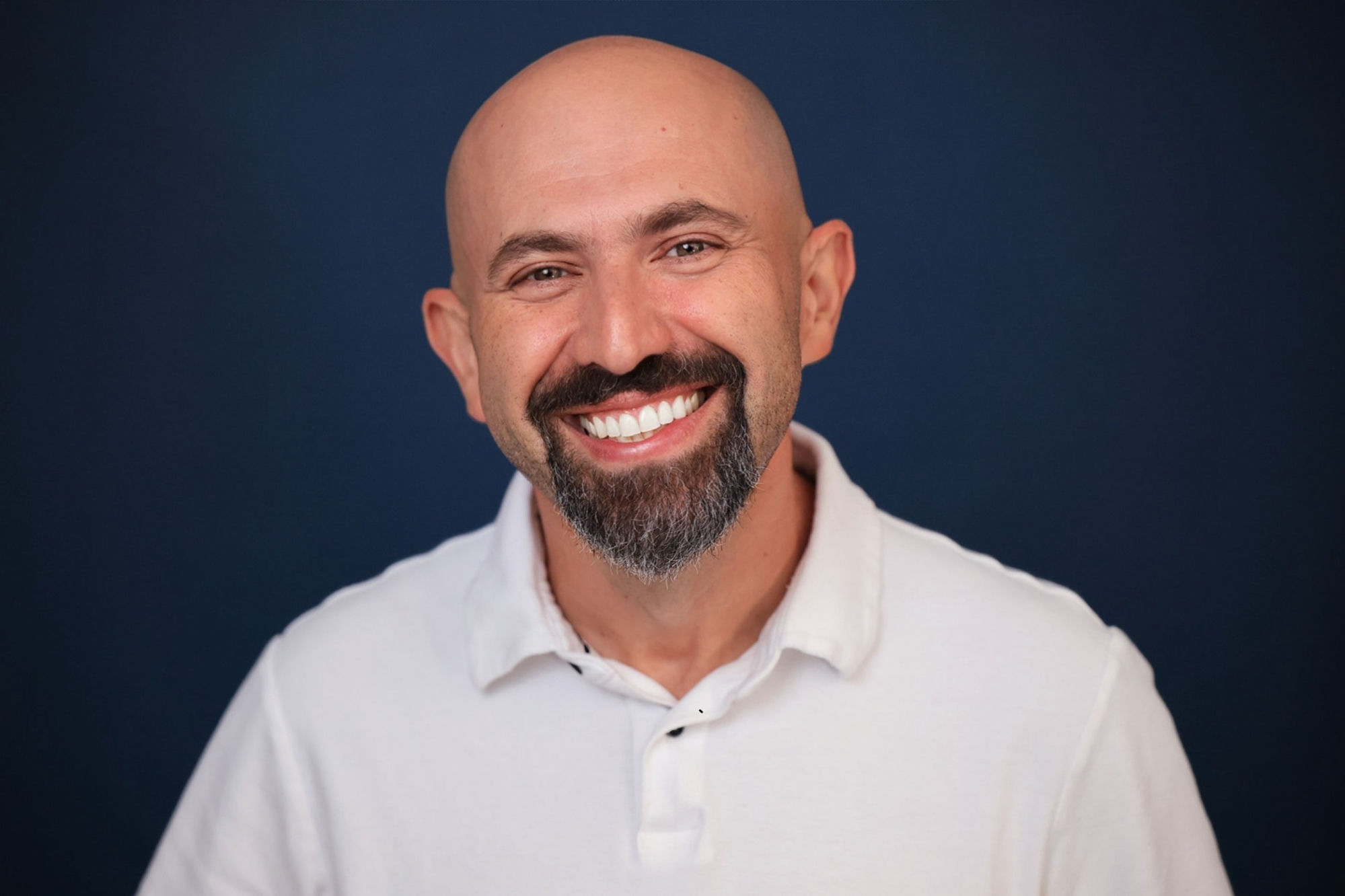
Yan Shvalb, VFX and compositing instructor

What we work on.

One shot, taken seriously, teaches more than ten tutorials.

01

Tracking

Planar and point tracking, choosing usable features, stabilizing and re-introducing motion, corner pinning a screen or sign that actually sticks.

02

Keying

Pulling a key from imperfect green screen, edge treatment, spill suppression, garbage mattes, and combining multiple keys instead of forcing one.

03

Paint & cleanup

Removing rigs, signage, dust and boom mics — clone and patch strategies, temporal approaches, and how to keep the fix from breathing.

04

Masks & roto

Polygon and B-spline masks, animating shapes efficiently, tracked mattes, and knowing when roto is the wrong answer.

05

Node organization

Building a graph you can hand to someone else: merges in the right order, groups, instances, underlays, and naming that survives a revision round.

06

Resolve integration & delivery

Getting the comp back into the timeline cleanly, color pipeline order, caching for performance, and troubleshooting renders that fail or look wrong.

For editors and motion artists,
not beginners.

If you can cut and finish work but Fusion still feels like a wall — especially coming from a layer-based tool — this session is aimed at you. We work on your comp, in your project, at your skill level.

Come with
  • A track that keeps slipping
  • A green screen shot with bad edges
  • A cleanup that's visible in motion
  • A node graph you've lost control of
  • A comp that renders wrong out of Resolve
How it runs
  • Video call with screen sharing, worldwide
  • Send the comp or plate in advance
  • 75 minutes on your agenda
  • Written notes and next steps afterwards

What you leave with

Work on the real thing

Your shot, your comp, your project settings.

Clear answers

Direct feedback on the approach, including when a different technique is the right call.

Notes

Written notes on the node setup and the reasoning behind it.

Concrete next steps

An ordered list of what to finish on the shot after the call.

No payment required to reach out

Describe the shot.

Tell Yan what the comp is doing and he'll reply personally.

Or email vfxtraining@gmail.com directly.

What happens to your message: Privacy

Questions.

Do I need Resolve Studio for Fusion?

Fusion ships in both the free and Studio versions of DaVinci Resolve, with some tools — certain trackers, noise reduction — limited to Studio. Bring what you have; the session works within it.

Can we work on my shot?

Yes. Send the comp or the plate ahead of time and we work on the actual shot rather than an exercise file.

I come from After Effects. Will this help?

Yes. A common session is translating a layer-based mental model into node-based compositing, so the graph starts making sense instead of fighting you.

What does it cost?

$225 for 75 minutes, one-on-one, online. Message first if you want to check the fit; there's no payment required to ask.

Related: DaVinci Resolve training in Miami · online color grading mentorship · about Yan Shvalb.

Already know what you need?

$225

per 75-minute session · online worldwide

Book & Pay  →

Secure payment via Stripe · Not sure yet? Ask Yan first.

Ask Yan about my project